Router vs Modem: What You Really Need
Router vs modem: Here’s what each device actually does for your internet, why you might need both, and how to avoid rental fees.

Router vs modem confusion hits almost everyone setting up home internet for the first time. You stare at two boxes, or maybe one box, and wonder which one does what. Here is the deal: you need both to get online, but they are not the same thing. Not even close.
What Each Box Actually Does
Let me put it bluntly. The modem talks to the outside world. The router talks to your devices. They serve two completely different functions, and once you see it, you will never mix them up again.
The Modem: Your Home's Dock
Modem stands for Modulator-Demodulator. It translates everything between your home and your Internet Service Provider. Outgoing searches get modulated and sent across the internet. Incoming traffic gets demodulated so your router can handle it.
Physically, a standalone modem is usually smaller than a router. You can identify it by the incoming cable. Phone line modems use a smaller RJ11 or RJ22 connector. Cable modems have a round coaxial connection. Fiber setups use an Optical Network Terminal with a thin cable running in. Every modem has at least one Ethernet port to connect to your router.
If you think of your home as an island, the modem is the port where the big cargo ships come in from the world wide web, and the router is the warehouse sending out delivery trucks to the devices dotted around your island.
That island analogy from Wired's guide nails it. Read it twice and the whole router vs modem thing clicks.
The Router: Traffic Control
So they all connect. Your router's broadcasting incoming traffic from the modem to your devices and routing outgoing traffic back, and it creates a Local Area Network in your home; phones, laptops, TVs, and game consoles connect through it via Ethernet or Wi-Fi.
The router decides how to portion up your internet connection. Any device within range can join, provided you set a strong password. And you should. A good router does not just boost potential speeds. It improves stability, reduces latency, and tightens security. The latest Wi-Fi 7 standard offers enhancements across all of those fronts.
Now here is the part most people get wrong.
The Combo Trap (and Why Separate Wins)
ISPs love renting you a single box that combines modem and router. They call it a gateway. It looks tidy. One device, one cable. But tidy is not the same as good.
Gateway Gotchas
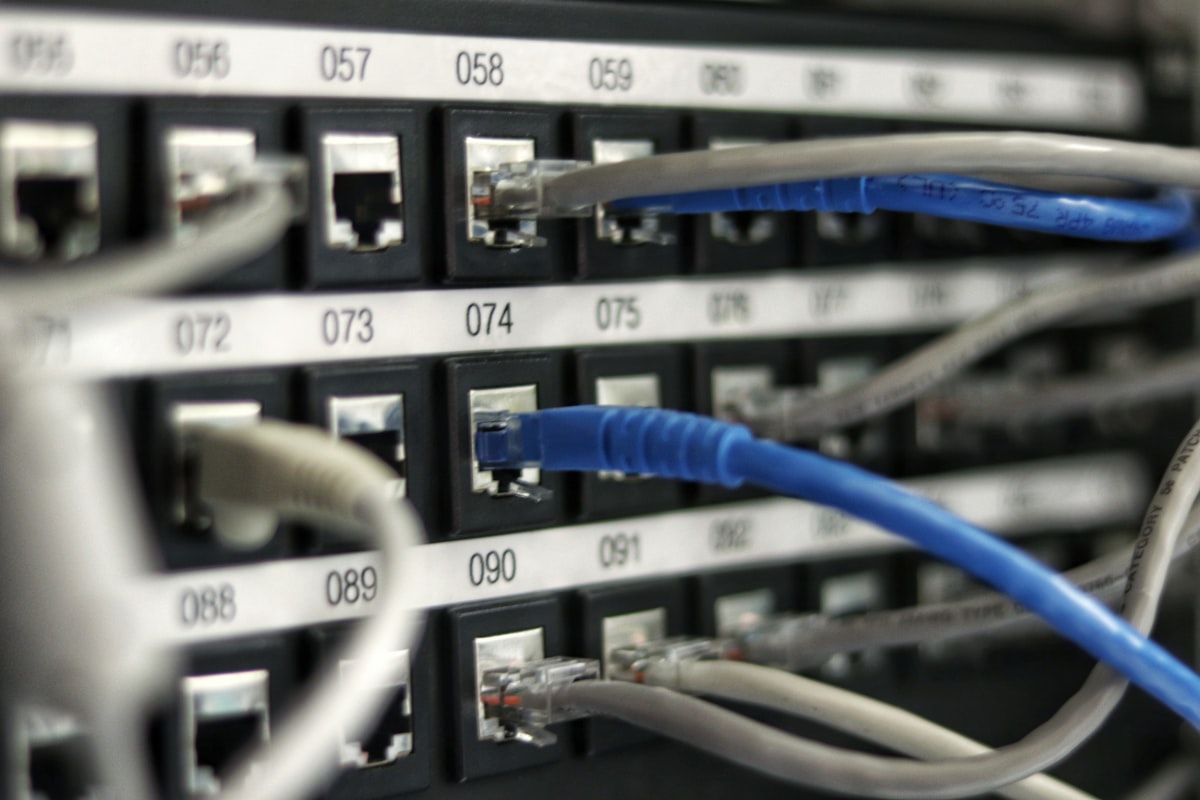
Combo devices are hard to tell apart from standalone routers. Some manufacturers, like Asus, sell router models with built-in modems, prefixed with DSL. The giveaway is the ports. Routers only have Ethernet jacks. Combo units have an extra, smaller port for the incoming internet line.
Rental fees are the real sting.
Most ISPs charge you a rental fee for using their equipment, but you don't necessarily have to use it, and it rarely makes financial sense to rent.
Always use your own router. Wired's reporting confirms what I've seen firsthand, and ISPs charge high fees for subpar devices, but for some connection types you can use your own modem, and Asus and Netgear sell gateways you can buy outright.
Separate devices give you better performance, more flexibility with router placement, and easier upgrades. If one breaks, you replace one. Not both.
Bridge Mode Is Your Escape Hatch
Want a better router? Stuck with an ISP gateway? Put the combo unit into bridge mode to disable routing and Wi-Fi, so it's a modem, avoiding double NAT's weird network hiccups, and search your ISP's website for bridge mode instructions and follow them.
Modem Shopping Without the Headache
Your ISP's modem is probably fine. Their router? Not so much. If you upgrade one thing, upgrade the router first.
How Much Should You Spend?
- Modems range from roughly $50 to over $300.
- Most people get by just fine spending less than $100.
- Check ISP compatibility before buying anything.
- Netgear, Arris, and Draytek are solid brands to browse.
Wired's reporter bought a used modem on eBay for under $50 to handle a limited DSL connection. That worked perfectly. You do not need to overspend.
The Real-World Buy
Look for a modem that supports your download and upload speeds in Mbps, and if you're thinking of upgrading later, get something slightly more capable now. Match your incoming speed at minimum.
While your internet provider's modem is likely sufficient for your needs, its router often falls short, and you can almost always achieve better performance by purchasing your own.
That line from Wired sums up the entire router vs modem purchasing decision. Start there. Most homes do just fine with a single router placed centrally, up high, and out in the open. Larger homes or tricky layouts may want a mesh system. But the core rule holds: own your router, question the rental, and keep the modem simple.
Frequently Asked Questions
What is the main difference between a router and a modem?
A modem connects your home to the internet via your ISP, while a router distributes that connection to multiple devices and creates a local network.
Do I need both a router and a modem for internet?
Yes, you need a modem to access the internet and a router to share that connection wirelessly or with multiple devices, unless you have a combined gateway device.
Can I use a router without a modem?
No, a router cannot connect to the internet without a modem; it only manages local traffic and requires a modem for external access.
How do I know if my device is a modem or a router?
Check for a WAN or DSL port (modem) or multiple LAN ports and antennas (router); combo devices often have both but are labeled as gateways.
Should I buy a separate modem and router or a combined unit?
Separate units offer better performance and flexibility for upgrades, while a combined unit saves space and is easier to set up.

Liam Fitzgerald reports on gadgets, apps and the companies behind them. He tests new products and cuts through the marketing to tell readers what is genuinely worth their attention.
💬 Comments (0)
No comments yet. Be the first!