I Tested the Satechi ChargeView 240W Desktop Charger
The Satechi ChargeView 240W desktop charger features six USB-C ports, a real-time display, and 240W total power output.
Satechi ChargeView 240W desktop charger: A power upgrade
The Satechi ChargeView 240W desktop charger units are arriving to clean up the clutter of modern workspaces, and after testing the hardware, it's clear that the transition from simple wall bricks to centralized charging hubs is finally hitting a refined stride. We've seen this coming for years. This device moves beyond the basic utility of older, slower adapters, offering a sophisticated way to manage power across a busy desk setup, so you can plug in everything from laptops to phones without hunting for a free outlet. But it's not just about convenience. It's about control.
Design choices that matter
Most high-power chargers are industrial, uninspired bricks that take up significant desk real estate. This model doesn't. It's a compact alternative that works both horizontally and vertically, thanks to an included stand, and the clean, deliberate aesthetic avoids the hulking look of many high-wattage competitors. So it feels engineered for an office, not a laboratory. But that's the point.
Real-time feedback on your power
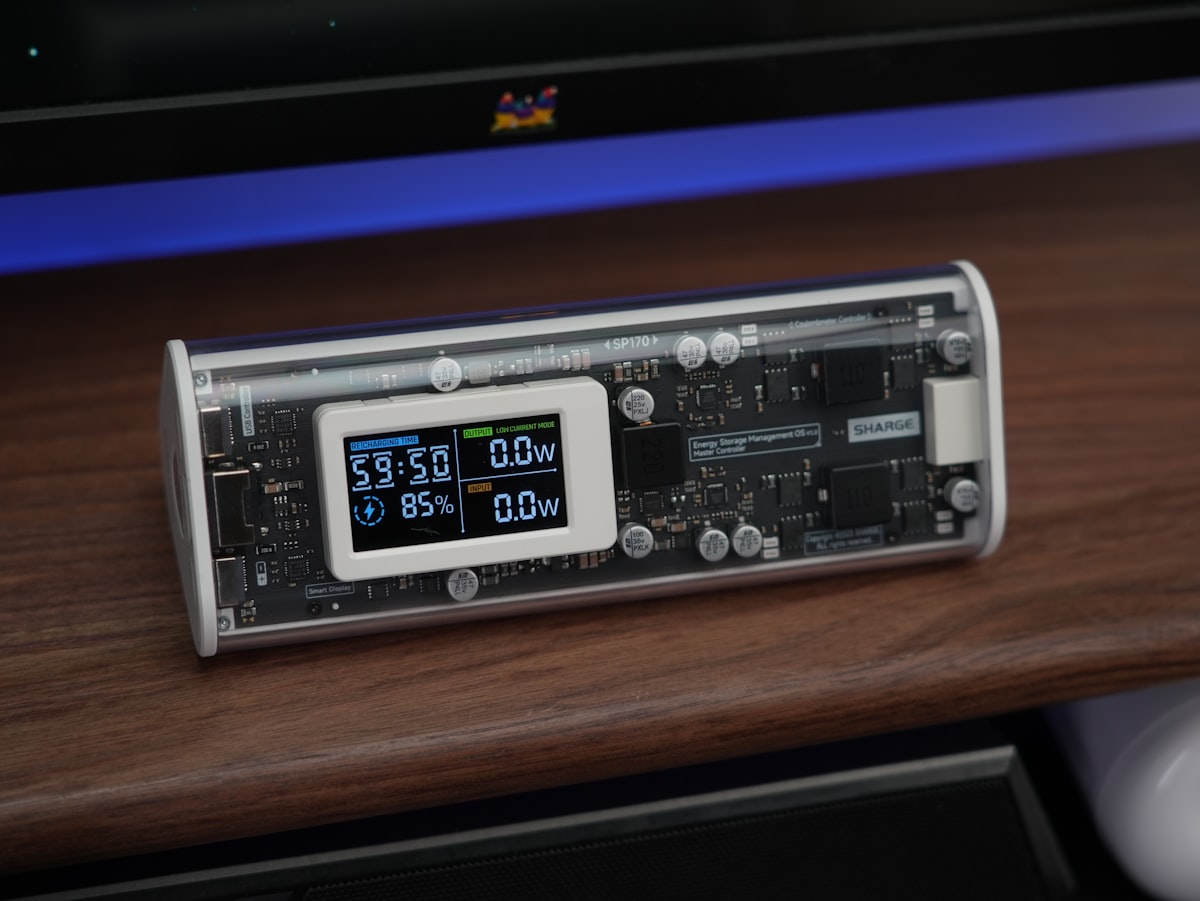
The standout feature is a clear display that shows port usage data. It's brilliant. Users can monitor power output for each individual port, or they can check the total combined output, and that transparency solves the common frustration of wondering whether a device is actually drawing the expected charge so you don't have to guess anymore. But the guessing games are gone. They're eliminated entirely, especially when you're dealing with faulty cables or mismatched hardware, and that's a relief we've all needed.
- Six USB-C ports in total
- Two ports capable of 140W max output
- Two ports capable of 100W max output
- Two ports capable of 30W max output
- Includes a physical button for display orientation
Intelligent energy distribution
Efficiency hinges on how the station juggles multiple connections at once, and that's the real trick. When several devices are plugged in, the unit automatically adjusts to provide the maximum power each device can accept, keeping the total output within the 240W limit. So you can drive a MacBook at 140W while another laptop draws 100W from the second port. That's the sweet spot. But if all six ports are occupied, the power scales down logically across the three banks to keep everything running, and it doesn't skip a beat. It's all about balance.
Safety and thermal management
Heat is inevitable with high-wattage charging. The unit manages thermal dissipation through its internal engineering, which means you don't need external cooling vents or extra airflow to keep things stable, and that's a clever design choice. But during heavy use, the charger got warm. It never reached a concerning level. So we've found it's perfectly safe for extended sessions.
The display powers down after a minute of inactivity, only powering up again when you plug something in or press the button.
Where the experience could improve
Despite the high performance, there are minor areas where the design falls short of perfection. Some users might find the lack of a USB-A port limiting if they still rely on older cables, though adapters are a simple workaround. Also, the display settings are somewhat restrictive. There is no option to leave the screen on indefinitely, which some might prefer for a permanent desk aesthetic, and the device lacks a dedicated sensor to report internal temperature readings in real time.
Final market perspective
Priced at $149.99, the device enters a competitive field where other brands offer varying port configurations and interfaces. While others may use knobs or multiple buttons, the tactile, physical button approach here remains simple and effective. It manages to balance advanced features like Power Delivery 3.2 and AVS support with a user interface that does not overwhelm the desk.
Need less than six ports? A smaller 4-port ChargeView 140W version is available. But the goal remains the same whether you choose the 240W model for a high-demand workstation or the smaller version for a lighter load, because it's all about replacing messy, inefficient power bricks with a single, controlled station. That's the whole point.
Frequently Asked Questions
What is the standout feature of the Satechi ChargeView 240W desktop charger according to the article?
The standout feature is a clear display that shows port usage data, allowing users to monitor power output for each individual port or the total combined output. This transparency eliminates the frustration of guessing whether a device is drawing the expected charge, especially when dealing with faulty cables or mismatched hardware.
How does the charger handle power distribution when multiple devices are connected?
When several devices are plugged in, the unit automatically adjusts to provide the maximum power each device can accept, keeping the total output within the 240W limit. For example, it can drive a MacBook at 140W while another laptop draws 100W from the second port, and if all six ports are occupied, the power scales down logically across the three banks.
What design features does the charger offer in terms of orientation and display?
The charger is compact and can work both horizontally and vertically thanks to an included stand. It also includes a physical button for display orientation, allowing users to adjust how the display is viewed.
Are there any limitations or areas where the charger could improve, as mentioned in the article?
Yes, the article notes that some users might find the lack of a USB-A port limiting if they rely on older cables, though adapters are a simple workaround. Additionally, the display settings are somewhat restrictive because there is no option to leave the screen on indefinitely, and the device lacks a dedicated sensor to report internal temperature readings in real time.
How does the charger manage heat during heavy use, and what safety features are described?
The charger manages thermal dissipation through its internal engineering, so external cooling vents or extra airflow are not needed. During heavy use, the charger got warm but never reached a concerning level, making it perfectly safe for extended sessions. The display powers down after a minute of inactivity and only powers up again when plugging something in or pressing the button.

Adrian Zeller writes about startups, funding and the markets that shape the technology industry. He looks for the story behind the numbers, tracking how young companies scale and where the next opportunities lie.
💬 Comments (0)
No comments yet. Be the first!