Nyrius Phoenix Home True 4K60 Review: A Solution for Cord Clutter
We tested the Nyrius Phoenix Home True 4K60 wireless HDMI kit to see if it can reduce cable clutter. It streamed 4K video flawlessly.
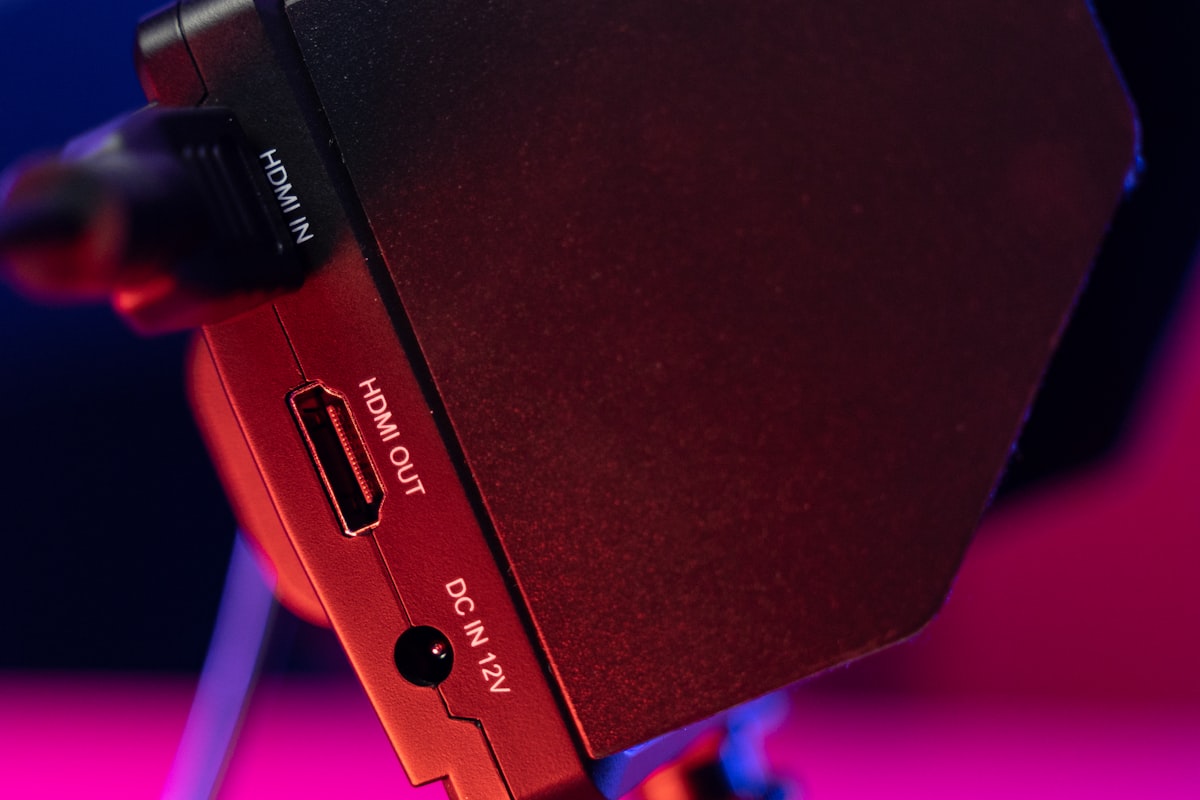
Nyrius Phoenix Home True 4K60 Review: Cutting
The Cord Without Cutting Quality
Crawling behind your TV stand, wrestling with a tangle of HDMI cables and power bricks, is a rite of passage nobody asked for. It's a problem most people don't realize they have until they're already on their knees, muttering under their breath. Nyrius Phoenix Home True 4K60 tackles that exact headache. The kit, priced at $250, promises to replace that mess with a wireless HDMI link that can carry a 4K signal at 60 frames per second across your home. So we've put it through months of real-world testing, and here's the honest verdict: it mostly delivers on that promise. But don't expect perfection.
The concept is straightforward. You plug a transmitter into your video source, whether that’s an Xbox, a streaming stick, or a laptop. A separate receiver connects to your TV or projector. Between the two, the units push a lossless radio frequency signal that, in theory, should look identical to a wired connection.
Setup Takes Minutes, Not an Afternoon
Most wireless HDMI kits feel like they require a networking degree to configure. The Phoenix Home skips that entirely. You screw two antennas onto the transmitter, plug in an HDMI cable from your source, and connect power. The receiver follows the same pattern on the display side. That’s the whole installation.
It connects in seconds. During testing, a Google TV Streamer was up and running after just a few moments, with no menus to navigate, no channels to select, and no pairing rituals to endure.
What the Ports Actually Do
There are a few extra connections worth understanding. The transmitter includes a USB-C port, but it’s not for adding more video sources. It’s for controlling a computer remotely. Plug a laptop into the transmitter over USB-C, then attach a keyboard and mouse to the receiver, and you can operate that laptop from another room.
We tweaked the mouse speed. After that single adjustment, the feature worked without issue, and the reviewer successfully controlled a gaming laptop that was physically sitting in a different room entirely. That could be useful for teachers running slideshows or anyone who wants to keep a noisy tower PC far from their desk. But for pure video streaming, those USB ports feel like extra baggage. It's a trade-off.
Real-World Performance Across Three Scenarios
Forget it's wireless. That's the real test of any video kit, and you can't fake that kind of freedom when you're in the middle of a ranked match or a late-night streaming session. The Phoenix Home faced three distinct situations: gaming, streaming, and remote computer use. So we pushed it through all of them.
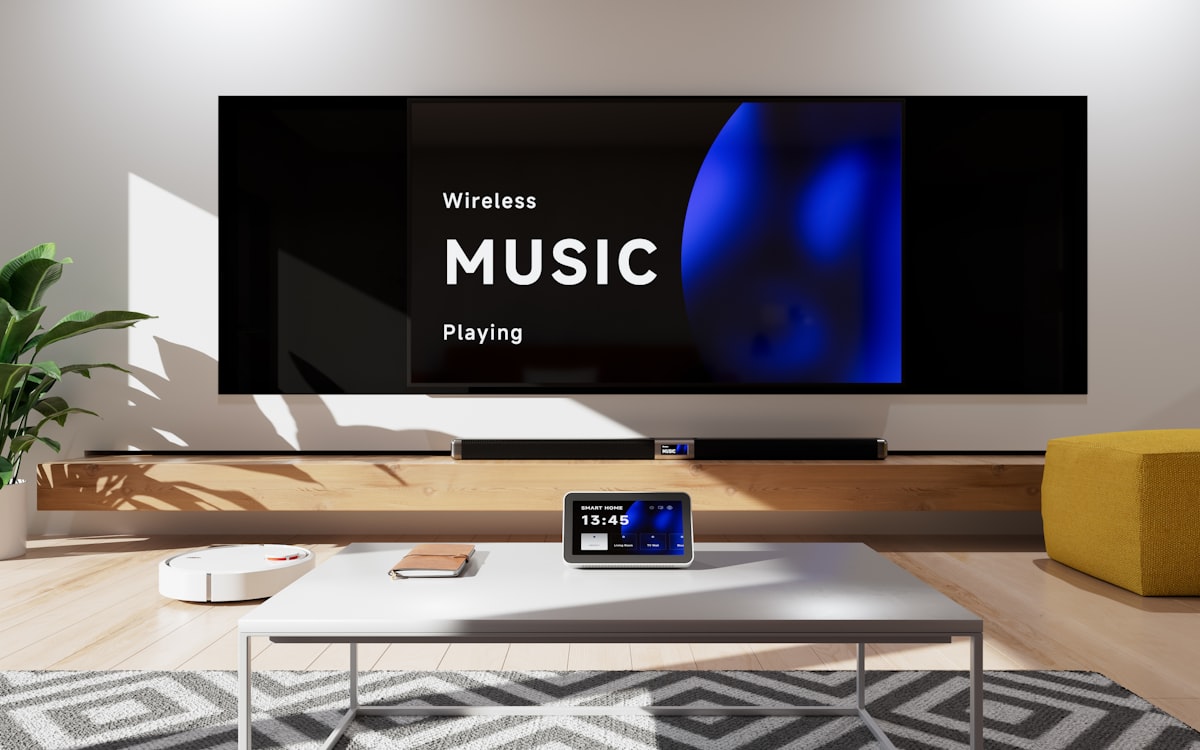
Gaming came first. Playing an Xbox Series X, the reviewer worked through several chapters of Crimson Desert over multiple hours. Every controller input felt immediate, with no perceptible lag. The company rates system latency at up to 88 milliseconds, but in practice that figure never became noticeable during actual play.
Movie watching held up just as well. Using the Xbox as a Blu-ray player for Blade Runner 2049, the signal stayed clear with no pauses or stuttering. The unit transmitted easily within its rated 75-foot range through walls, and the reviewer found no trouble sending video to a side room with a projector.
Surround Sound Holds Up Too
Audio quality often suffers in wireless video setups, but the Phoenix Home supports Dolby Atmos, DTS, and 7.1 channel surround sound. Testing with a Klipsch Flexus Core 300 soundbar and titles like Unbroken and Masters of the Air, the surround field sounded clean and properly positioned. To the reviewer’s ears, it matched a direct wired connection.
That’s the highest praise a wireless kit can earn: sounding and looking as if the cable was never removed.
The Glitch and the Gripes
No product is flawless. One issue surfaced when a Google TV streamer was connected to a very old Sony Bravia television. The setup emitted a strange noise, which a Nyrius representative attributed to an HDMI handshake failure with the aging display.
The other complaint is heat. Both the transmitter and receiver run a little hot after a full day of use, and while it's not the kind of warmth that makes you panic or yank your hand away, it's definitely there if you happen to brush against the units while rearranging your setup. It's noticeable. But it's not alarming.
Using the Phoenix Home True 4K60 was like running a really long HDMI cable from one room to another, which is probably the best thing I can say about how well it works.
Who Should Buy This?
The Phoenix Home True 4K60 earns a strong recommendation for a specific kind of person. It's for someone who hates cable clutter. And it's for anyone who wants to hide a console or computer far from the screen, tucking the hardware away in a closet, basement, or utility room where it won't spoil the living room's clean aesthetic or tempt curious fingers. The 500-foot range in open areas is impressive. Through walls, that range drops to 75 feet, but that still gives you placement flexibility that wired connections simply can't match. So don't overlook it.
The $450 SIIG 4K HDMI Wireless Extender Kit costs a lot more. But the Phoenix Home delivers better range for $200 less, which is a meaningful difference if you're trying to connect a device across a house rather than just across a room. That's real value. So don't overlook it.
The USB ports for keyboard and mouse control are a niche feature. Most people buying this kit want to stream video, and they’ll never touch those ports. But for the niche user, a teacher or someone with a server in the basement, that remote control capability turns the device from a simple cable replacement into something more versatile.
One detail worth pausing on. The heat issue and the HDMI handshake quirk with old TVs suggest this isn't a set-and-forget device for every possible configuration, since some setups will demand a bit of fiddling and patience before everything clicks into place. But for modern sources and displays, it worked flawlessly across months of testing. That's rare.
- Simple plug-and-play setup with no configuration menus
- Supports 4K at 60fps with Dolby Atmos, DTS, and 7.1 surround
- Transmits up to 500 feet in open areas, 75 feet through walls
- USB-C port enables wireless mouse and keyboard control of a laptop
- Both units run warm after extended use
Tired of tripping over cables? So is anyone hiding a console behind a TV. The Nyrius Phoenix Home True 4K60 solves that problem without introducing new ones, and it's not the cheapest wireless HDMI option on the market, but it works, it's easy to install, and it makes the cable tangle disappear. Sometimes that's worth the price. All by itself.
Frequently Asked Questions
What is the primary problem the Nyrius Phoenix Home True 4K60 aims to solve?
The primary problem is the clutter and hassle of HDMI cables and power bricks behind TV stands. It replaces the messy wired connection with a wireless HDMI link, carrying a 4K signal at 60 frames per second across your home.
How does the setup of the Nyrius Phoenix Home True 4K60 differ from typical wireless HDMI kits?
Setup is refreshingly simple: you screw antennas onto the transmitter, plug in an HDMI cable from your source, and connect power, then repeat for the receiver. There are no menus, channels, or pairing rituals—it connects in seconds.
What is the function of the USB-C port on the transmitter, and who might benefit from it?
The USB-C port is for controlling a computer remotely, not for adding video sources. By plugging a laptop into the transmitter and attaching a keyboard and mouse to the receiver, you can operate the laptop from another room, useful for teachers or those hiding a noisy PC.
In real-world testing, how did the device perform for gaming and streaming?
Gaming on an Xbox Series X felt immediate with no perceptible lag, even though the company rates latency at up to 88 milliseconds. Streaming a Blu-ray movie was clear with no pauses or stuttering, and the signal transmitted easily within its 75-foot through-wall range.
What are two noted drawbacks of the Nyrius Phoenix Home True 4K60?
One drawback is that with a very old Sony Bravia TV, it emitted a strange noise due to an HDMI handshake failure. Additionally, both the transmitter and receiver run warm after extended use, which is noticeable but not alarming.

Liam Fitzgerald reports on gadgets, apps and the companies behind them. He tests new products and cuts through the marketing to tell readers what is genuinely worth their attention.
💬 Comments (0)
No comments yet. Be the first!